After more 2 000 000 (two million) views on forum for 1.5.0.x development versions... and 1.6.1.0, 1.6.3.0-dev versions A new stable version, UltraVNC 1.6.4.0 and UltraVNC SC 1.6.4.0 have been released: https://forum.uvnc.com/viewtopic.php?t=38095 Feedback is always welcome
2025-12-02: We need help: English Wikipedia UltraVNC page has been requested to deletion: https://forum.uvnc.com/viewtopic.php?t=38127 Any help is welcome to improve the UltraVNC page and/or to comment on the Wikipedia Talk page
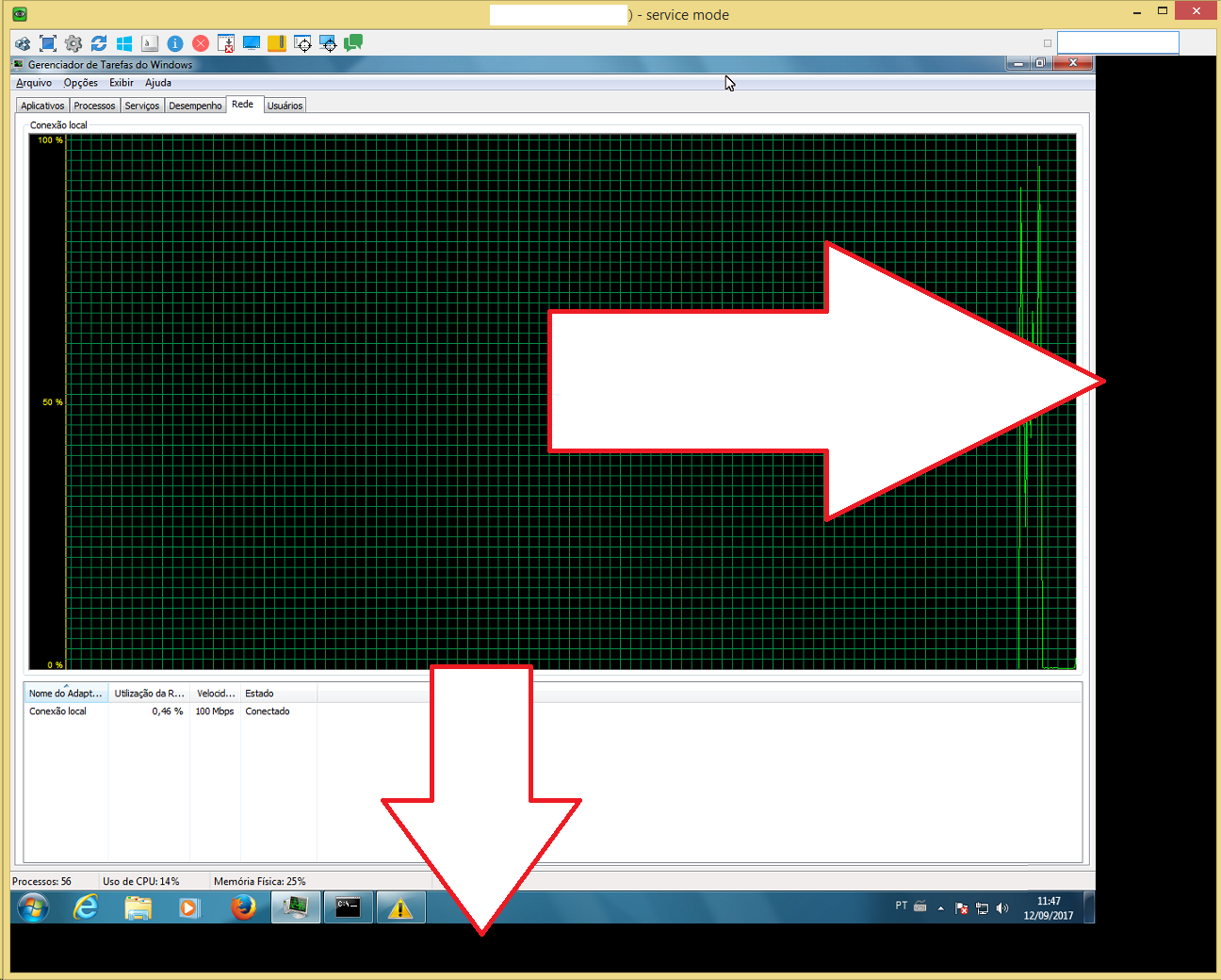
I'm running Windows 10 Pro on a laptop, and I've had this same question for a while now. I knew that if I hit the key combo CTRL+ALT+F10, the display of the remote system shrinks and I get the black "bars" within the VNC window, just as the OP does. What I guess I didn't realize is that the VNC window will snap to the "correct" size if I click and start to drag a corner of the window. It's as if that part somehow got left out of the functionality and must be kick-started by the user.
I might be typing gibberish, but I hope this helps someone else!